
What tags do #
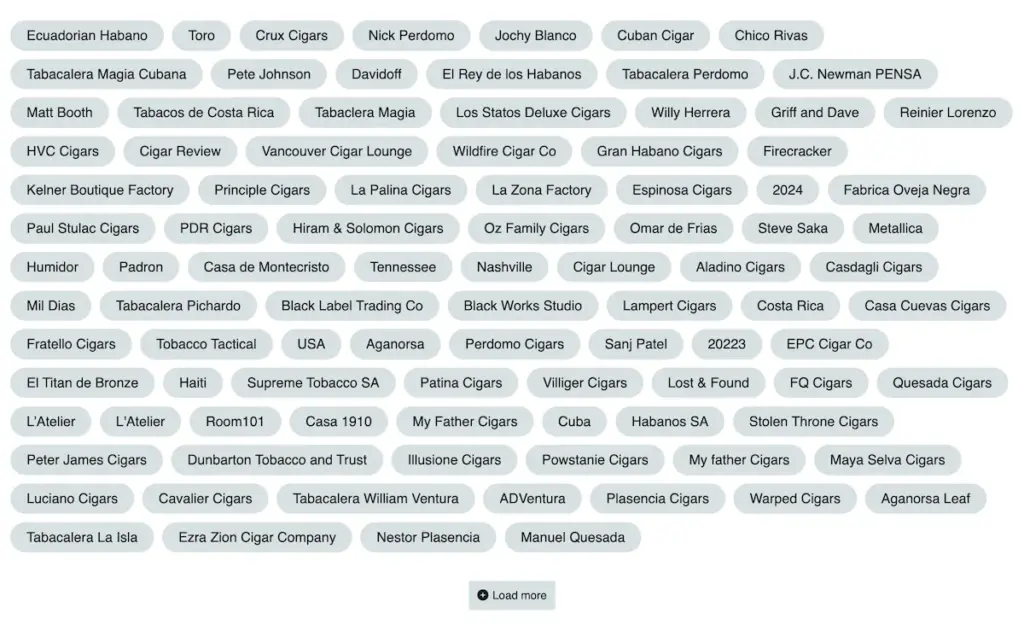
Tags are one of the main tools that make Tobacora easier to use as a cigar archive. They help organize your photos beyond albums and make it easier to connect a single image to multiple useful details at once. A single photo can be tagged by brand, line, country of origin, vitola, wrapper, binder, filler, factory, lounge, event, pairing, or anything else that helps you recognize and group it later. This makes tags especially useful for cigar photography, where a single image often belongs to multiple categories of information.
Why tags are different from albums #
Unlike albums, which place photos into a fixed structure, tags stay flexible. Albums help you decide where a group of photos belongs, while tags help you describe what is in the image and how it connects to other parts of your collection. This means one photo can sit in a single album, but still be linked through tags to a cigar name, wrapper, factory, lounge, or smoking occasion.
Browsing tags on Tobacora #
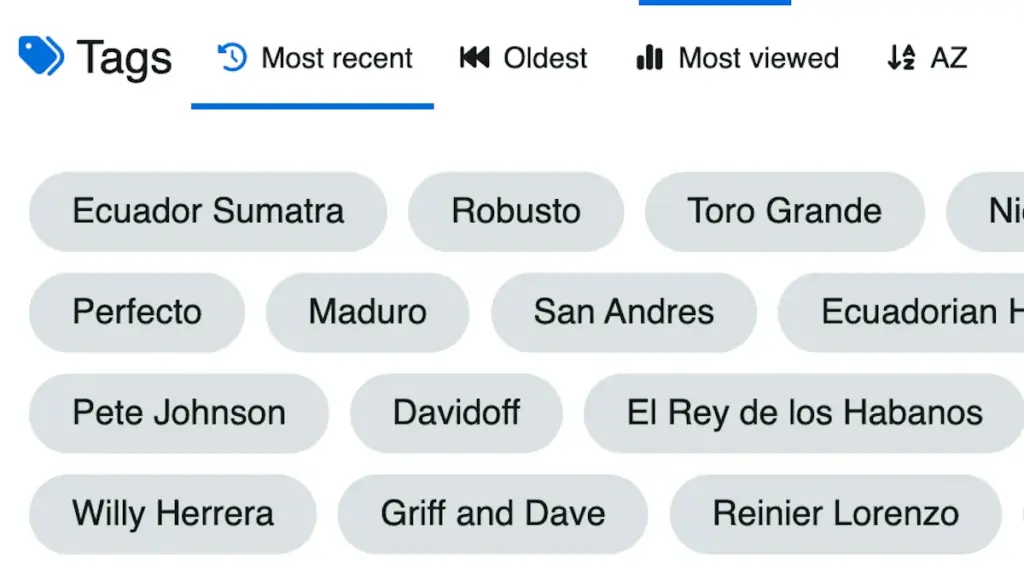
Each tag creates its own page, so all photos using that tag are automatically brought together in one place. The tags area shows all tags assigned to at least one image, and the listing can be sorted by most recent, oldest, most viewed, or alphabetical order. The sidebar also highlights top tags, which makes it easier to jump into the most active topics across the site. Individual tag pages can also be sorted by most recent, oldest, most viewed, most liked, or alphabetical order.
Adding tags to your photos #

You can add tags while uploading a photo or later by editing it after it has been published. The tags field accepts a comma-separated list, making it easy to assign multiple tags to the same image at once. In practice, tags work best when they are clear, specific, and useful to you when you return to the photo later. Instead of treating them as filler, use them as a clean record of what is in the image and why it matters.
Keeping tags consistent #
Tobacora supports user-created tags, and existing tags can be suggested as you type. That helps keep naming more consistent across the site and makes it easier for people to keep building on existing tags. Over time, this makes the collection easier to browse, search, and use as an archive.
Tags in a nutshell #
A simple way to think about tags on Tobacora is that albums help you build structure, while tags help you build connections. For example, you might place a photo in one album, but still tag it by cigar name, factory, wrapper, and the place where it was smoked. Over time, that creates a collection that is much easier to browse, search, and understand.
Follow tags through the gallery #
Tags start proving their worth once you can follow them across real posts. Browse live cigar photo galleries in Explore to see how brand names, wrappers, lounges, and other details connect photos across profiles and albums, then open the upload page and begin tagging your own images in a way that makes your cigar archive easier to search, group, and return to later.


