
Why this part matters #
Tobacora is not only about storing cigar photos. It is also about giving those photos a life beyond the upload itself. A good cigar gallery is not just something people scroll through and leave behind. It is something they react to, comment on, save mentally, and share with others. That is where comments, likes, and sharing start to matter.
Comments #
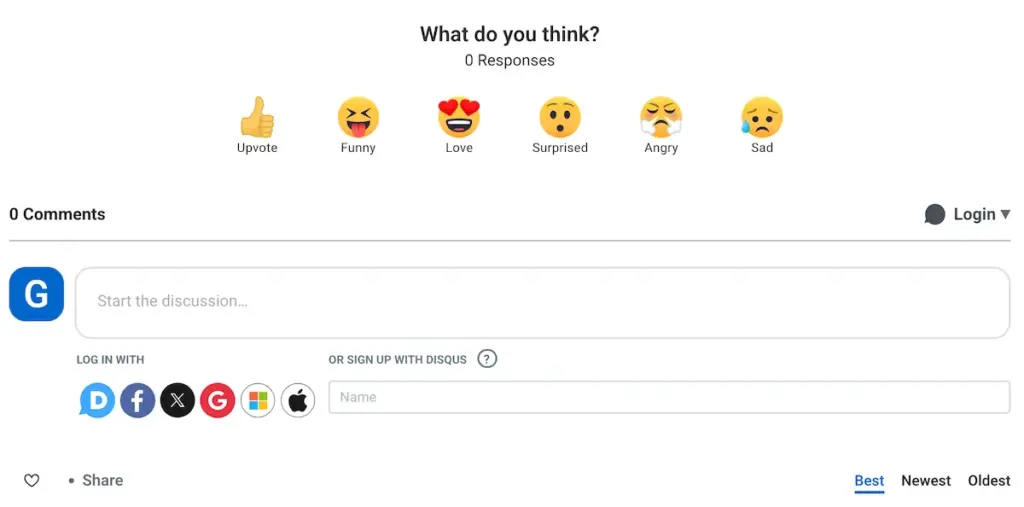
Comments give each photo room for conversation. On Tobacora, the comments area appears on the photo page under the image, in the Comments tab next to About. At the moment, Tobacora uses Disqus for commenting. It is a familiar system for many users and gives the site a practical way to support discussion while keeping moderation and safety tools in place. A built-in commenting system may come later, but for now, Disqus serves as the communication layer for each photo.
Why comments fit Tobacora so well #
This matters especially in the cigar world, where one photo often carries more than just the image itself. It can lead to a conversation about the cigar, the blend, the vitola, the lounge, the pairing, or the moment behind it. In that sense, comments help turn a gallery into a more social and living archive rather than just a silent collection.
Likes #
A like is the simplest way to show appreciation for someone’s photo or album. You can like media or albums by clicking the heart icon on a thumbnail or by opening the media and clicking the Like button. On a desktop, you can also use the L keyboard shortcut. Everything you have liked is collected in your own Liked section, which works like a personal collection of favorite content across the site.
Activity and notifications #
Likes and comments do not just sit quietly in the background. Tobacora’s notification system tracks that activity, so when someone likes your media or album or follows you, that activity appears in your notifications. Those notifications live in the top bar under the bell icon, with an unread count shown on the badge. That helps keep the social side of the gallery easy to follow without making it feel noisy.
Sharing your photos #
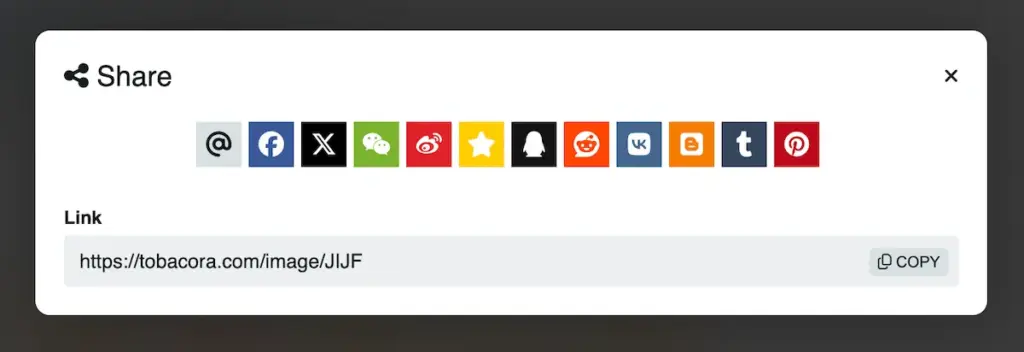
Each photo page also includes a Share button. That makes it easier to send a photo beyond Tobacora and place it where people will actually see it, whether in a message, on social media, or elsewhere online. The share tool opens directly from the media page, so you do not need to copy links manually or hunt around for the right page. Tobacora’s current setup is also designed to make shared photo links more presentable by carrying the photo’s title and visual preview, so the result feels more like sharing a real piece of content than dropping a plain raw link.
In a nutshell #
Comments give people a place to talk, likes give them a quick way to react, and sharing helps your photos travel further. Together, they make Tobacora feel less like a storage tool and more like a proper cigar gallery where people can return, interact, and pass along.
Take it into the gallery #
The easiest way to understand this side of Tobacora is to see it on real posts. Browse live cigar photo galleries in Explore to watch how comments, likes, and sharing work across photos, albums, tags, and profiles. When you are ready to join in, open the upload page and start building a cigar photo archive that people can actually find, follow, react to, and share.


