
What your profile is #
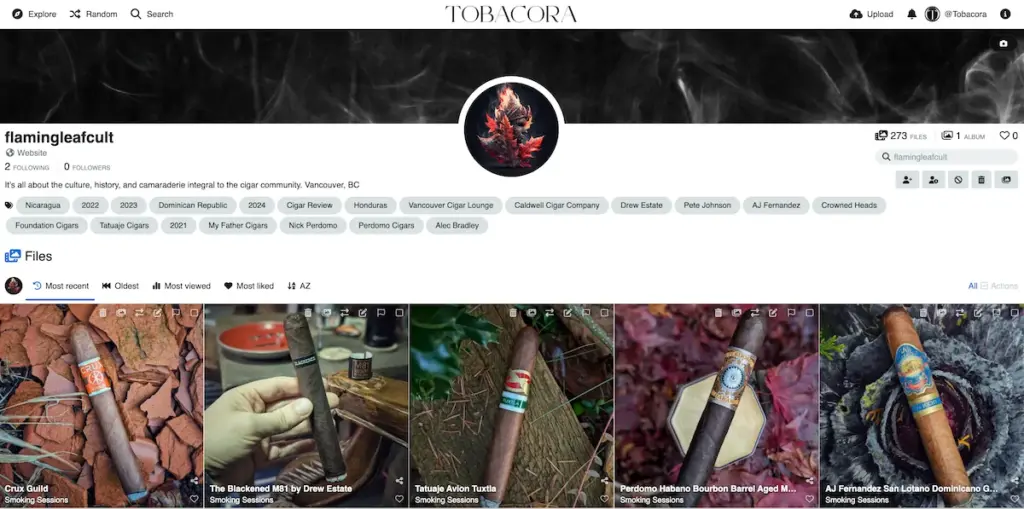
Your Tobacora profile is your personal space on the website and the main home of your cigar gallery. It displays your content alongside your public profile information and can be customized to reflect how you want your gallery to look and feel. In simple terms, if individual photos are the building blocks, your profile is the place where the full collection comes together.
Why it matters for a cigar gallery #
For a cigar archive, the profile is especially important because it brings together the different layers of your collection in one place. It is where people can browse your general gallery, open your albums, explore the tags you use, and get a clearer sense of your style, habits, interests, and the way you document cigars over time. Instead of feeling like a random stream of uploads, your content starts to feel like a structured personal collection.
Searching within a profile #
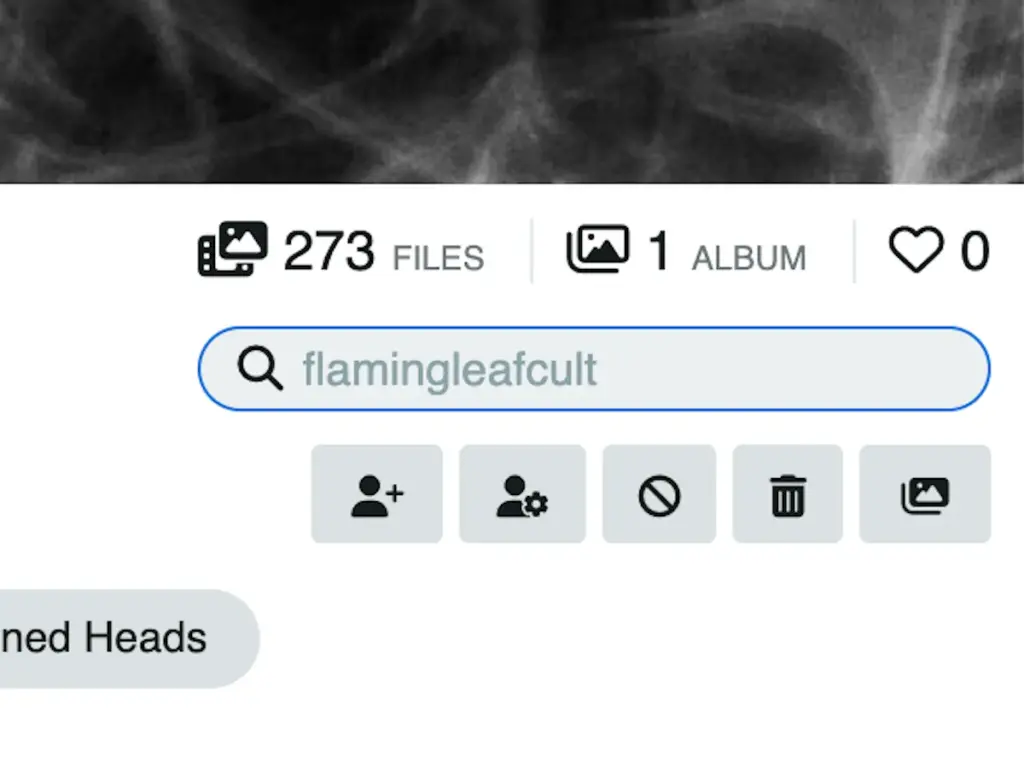
One of the most useful aspects of profiles is that they are not just for displaying content. They also make it easier to work through it. Tobacora includes profile search, which lets you search content within your own profile or any other public profile. This is especially useful when a gallery grows, and you no longer want to scroll endlessly to find one cigar, one event, one lounge visit, or one older photo set.
Your tags also work inside your profile #
The tags you add to your photos do more than contribute to Tobacora’s wider tag system. They also help structure your own gallery. That means your profile becomes more useful over time, because the same tags that connect your images across the website also help define and organize your own archive. This is one of the reasons Tobacora works so well for cigar photography, where the same image often belongs to several layers of information at once.
Customizing your profile #
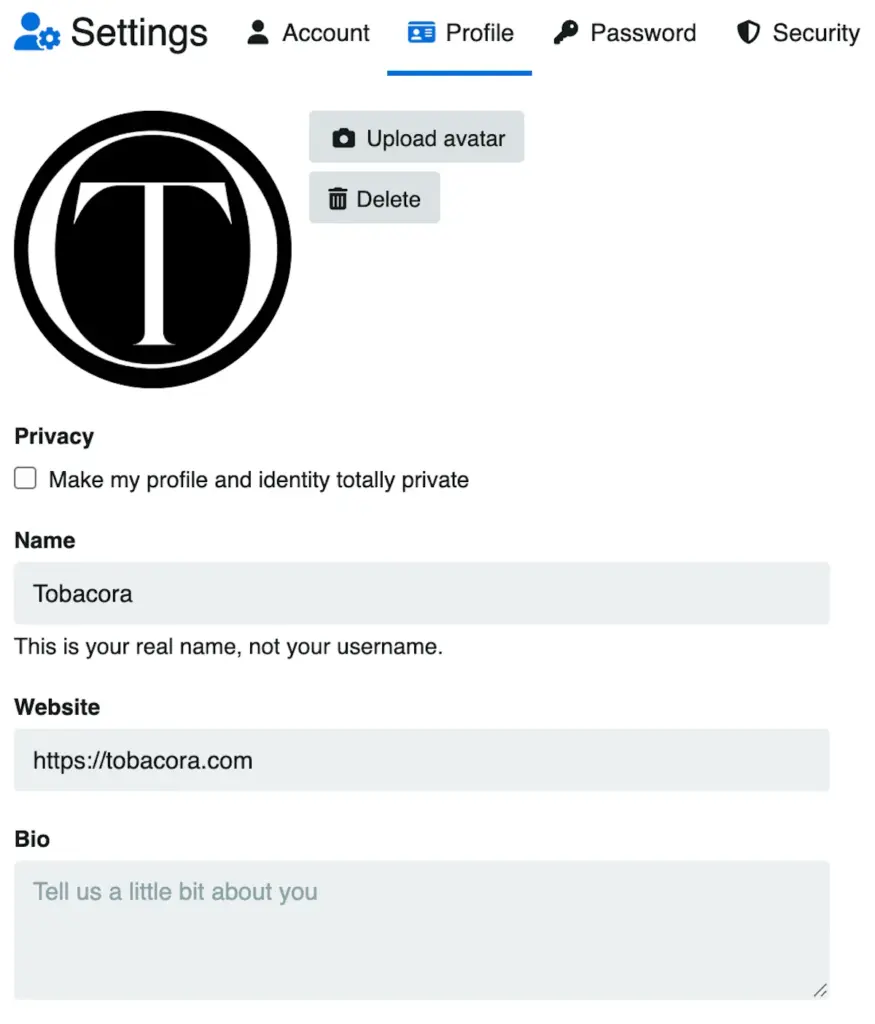
Your profile can be shaped to feel more personal and complete. You can upload an avatar, add your name, add a website link, write a short bio, and set a profile background image. These small details matter more than they may seem at first, because they help turn a plain upload account into something that feels more like a real cigar journal, collection, club page, or personal archive. Profile settings also include a privacy option that lets you set the profile to public or private.
Following other users #
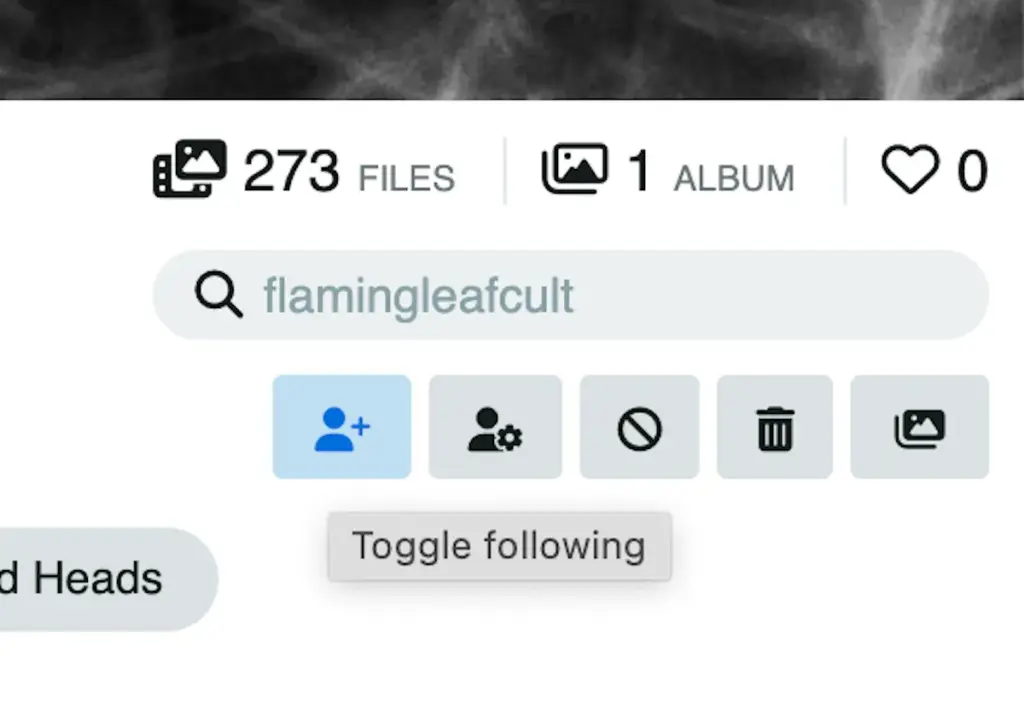
Tobacora is not only about organizing your own collection. You can also follow other users and keep up with their content. The profile page includes a Follow button, and content from followed users appears in your Following feed. That feed shows the latest media from the people you follow, which makes it easier to stay connected with other collectors, lounges, cigar clubs, or anyone else whose gallery you enjoy browsing.
Notifications and staying connected #
When someone follows you, likes your media or album, or comments on your content when comments are enabled, that activity appears in your notifications. Notifications are shown in the top bar and include an unread count, so the social side of Tobacora stays easy to keep up with without getting in the way of the gallery itself.
Discovering other profiles #
If you want to explore beyond your own gallery, Tobacora also includes a users listing in the discovery area, where registered users can be browsed alongside other content types. This makes it easier to find people to follow, discover new collections, and see how others organize their galleries. For a niche topic like cigars, that matters, because part of the value of a platform like Tobacora is not just storing your own archive, but also finding others who document the hobby in their own way.
User profiles in a nutshell #
A good way to think about your Tobacora profile is that it is the storefront of your cigar gallery. Photos, albums, tags, search, profile details, and social features all come together there. The more thoughtfully you build it, the more useful it becomes both for you and for anyone else browsing your collection.
See real profiles in action #
A Tobacora profile makes the most sense once you see a few real ones and start shaping your own. Browse live cigar photo galleries in Explore to see how profiles, albums, tags, and activity come together across the platform, then open the upload page when you are ready to add your own photos and begin building a cigar gallery people can return to, follow, and search over time.


